
Golf Training Center

- Alignment
- Tempo & Swing Speed
- Face Control
- Swing Plane
Stay Aligned
Alignment aids help you get your clubface & body aimed the same way every time, so it’s easier to tell if the issue is your setup or your swing. They’re great for range sessions, pre-round warmups or anytime shots keep starting left or right of your target. Try Maxfli Twin Pole Alignment Sticks, an alignment-disc set or a ball-position trainer. Set one guide along your target line and use another to check your feet, hips & shoulders.
Recommended Equipment:
Improve Tempo & Swing Speed
Tempo & speed training can help you build a more repeatable swing while learning to add speed without losing your balance. Tempo work can fit into any practice session, while speed training is best when you’re fresh, with plenty of rest between swings. Weighted trainers like the Maxfli Weighted Swing Trainer or Orange Whip can help with rhythm & warmup, while Rypstick and TheStack offer more focused speed training. Start slow, find the center of the face & then work your way up to faster swings.
Recommended Equipment:
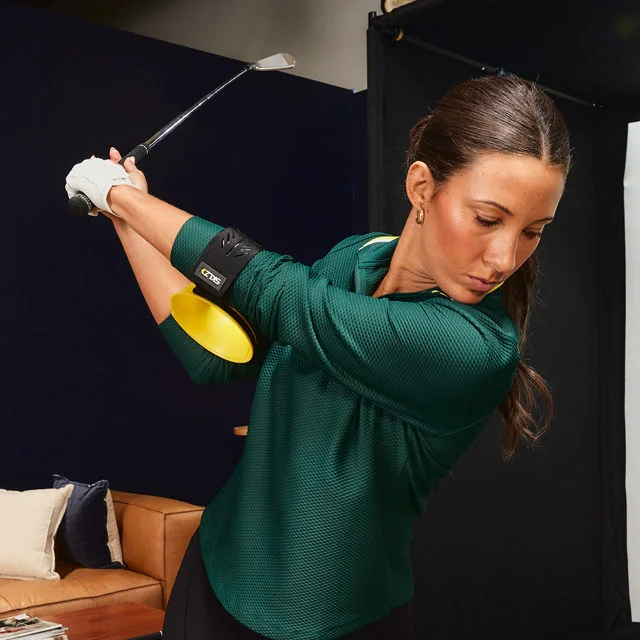
Control Your Clubface
Clubface training helps you get a better feel for your grip, wrist position & face angle, which all play a big role in where the ball starts. It’s especially useful when shots keep starting off line or curving more than you’d like. Grip trainers like the SKLZ Grip Trainer or Maxfli Snap-On Grip Trainer can help with hand placement, while wrist trainers & impact bags give you feedback throughout the swing. Start with half-swings, then check your ball flight after a few shots to see what’s working.
Recommended Equipment:
Straighten Your Shot
Straight-shot practice helps you square up the clubface & build a more consistent swing path, which can help cut down on pushes, pulls, slices & hooks. It’s most useful when you know your typical miss instead of trying to fix everything at once. Swing-path trainers, connection aids like the Tour Striker Smart Ball or Callaway Swing-Easy & impact bags can give you helpful feedback. Start with slow rehearsals, move into shorter shots & then work your way up to full-speed swings.
Recommended Equipment:
- Around the Green
- Putting
- At-Home Setups
- Alignment Balls
Help Around the Green
Around-the-green practice helps you dial in distance control, contact & confidence on chips, pitches & other scoring shots. Short, frequent sessions work best, especially when you mix up landing spots & lies. Chipping nets like the Maxfli 23-inch Chipping Net or Palladium Golf TargetPro Golf Chipping Net give you clear targets, while chipping boards & short-game trainers add another challenge. Practice with the wedges & golf balls you normally play, & mix up trajectories instead of hitting the same shot over & over.
Recommended Equipment:
Make More Putts
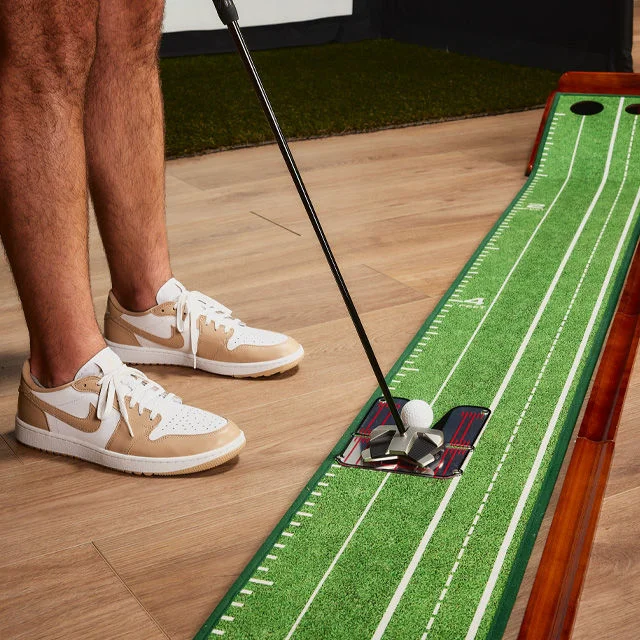
Putting aids help you dial in your aim, face angle & start line so it’s easier to see what’s causing a miss. They’re especially useful on 3–8-foot putts, where setup & starting direction can make all the difference. A putting mirror, alignment gate or the Maxfli Putting Alignment System can help check eye & face position, while a cup or target circle gives you something to roll it toward. Practice small sets from a few distances & track your makes instead of just rolling putt after putt.
Recommened Equipment:
At-Home Putting Setups
An at-home putting setup makes it easy to get more reps & work on your start line, pace & routine whenever you have a few minutes. It’s especially useful when the weather or your schedule keeps you off the course. Look for a mat with enough length for the putts you want to practice, plus alignment marks & a consistent roll. Options include the Maxfli 9-foot x 12-inch Putting System, Maxfli Performance Series Electric Putting Mat or Palladium Golf Putting Mat. Add a cup, gate or mirror, & switch up your targets instead of rolling the same putt every time.
Recommended Equipment:
Visual Technology Golf Balls
Visual-tech golf balls use alignment lines & patterns to make your aim & roll easier to see. They’re especially helpful for putting setup, start-line practice & checking whether the ball is rolling end over end. Look for a ball with a bold stripe or high-contrast design that’s easy to line up with your target, or use an alignment tool to add a line to your go-to ball. Use the visual to dial in your setup, then roll a few putts without it to help carry that feel to the course.
Recommended Equipment:
- Simulators
- Nets & Enclosures
- Hitting Mats
- Simulator Balls
Simulators
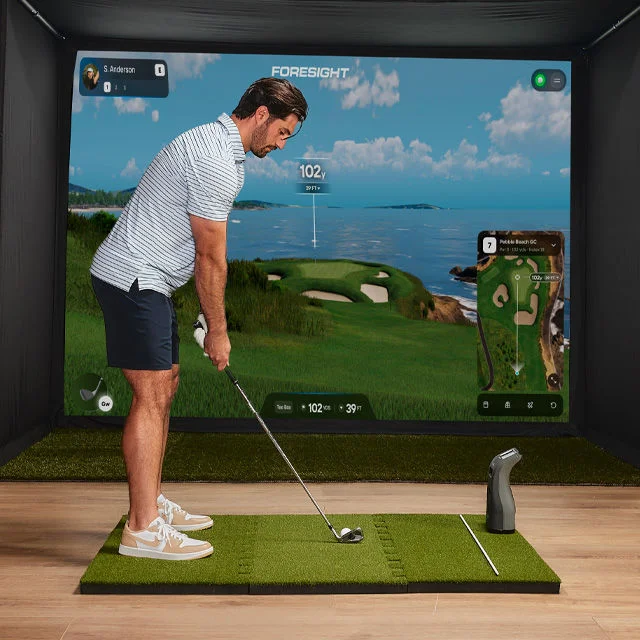
A golf simulator pairs ball-flight data with virtual practice, so you can dial in carry distances, club gaps & shot patterns year-round. It’s most useful when you practice with a purpose & focus on a few key numbers instead of just playing virtual rounds. Portable launch monitors like the Garmin Approach R10, Rapsodo MLM2PRO or Shot Scope LM1 can be a great starting point, while premium systems offer more detailed camera or radar data. Before choosing a setup, make sure you have the right space & check the device and software requirements.
Recommended Equipment:
Nets & Enclosures
Nets & enclosures give you a dedicated spot to hit while keeping golf balls contained & the space around you protected. A net works well for basic ball striking or a setup you can move around, while an enclosure with an impact screen is better for a full simulator experience. Options range from the Maxfli 9-foot x 8-foot Performance Golf Hitting Net to the GoSports Range Cage or 12-foot x 9-foot Simulator Enclosure. Before choosing one, check your available width, height & depth, follow the recommended setback & give the netting a regular once-over for wear.
Recommended Equipment:
Hitting Mats
A quality hitting mat gives you stable footing & a consistent lie while protecting floors & turf. It’s a good fit for garages, basements, backyards & simulator setups, especially if you’re getting in a lot of full swings. Look for enough room to stand level with the ball, a secure base and a hitting section with some give, like the Palladium Golf ProStrike Weighted Hitting Mat. Rotate where you hit from to spread out wear, & take a break if the mat starts to feel hard on your wrists or elbows.
Recommended Equipment:
Simulator Golf Balls
Simulator golf balls can help your launch monitor or camera system track shots more consistently when they use compatible markings. They’re most useful with systems that call for a specific marked or patterned ball, while others work just fine with a standard premium ball. Before buying, check your simulator’s compatibility requirements & make sure you have the right dots, stripes or reflective markings. Keep a clean set just for indoor use so the markings stay easy to read & your impact screen stays cleaner.
Recommended Equipment:

Level Up Your Training with Experts at Golf Galaxy
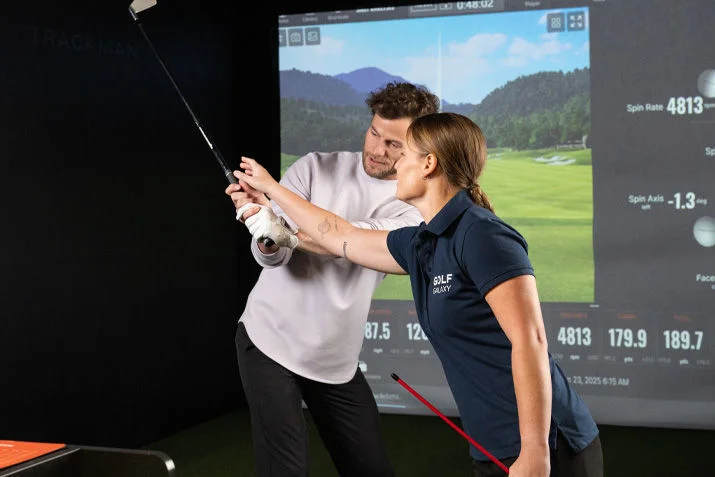
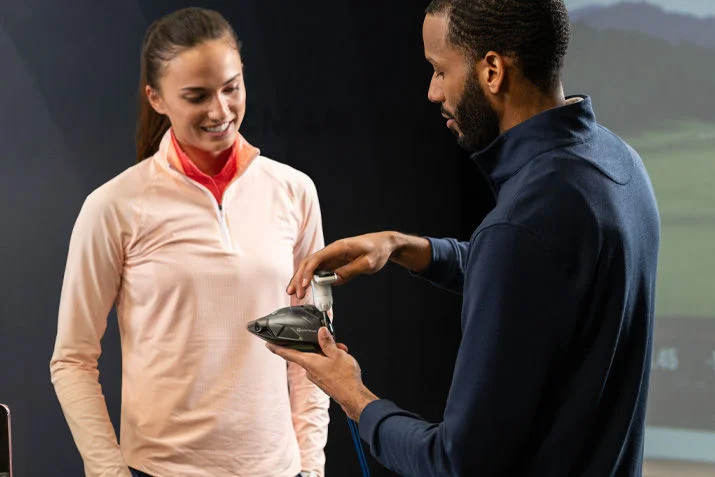
Introducing a new fitting experience — led by experts & personalized for all
