

At-Home Golf Simulator Guide

Build Your Own Bundle or Upgrade Your Existing Setup
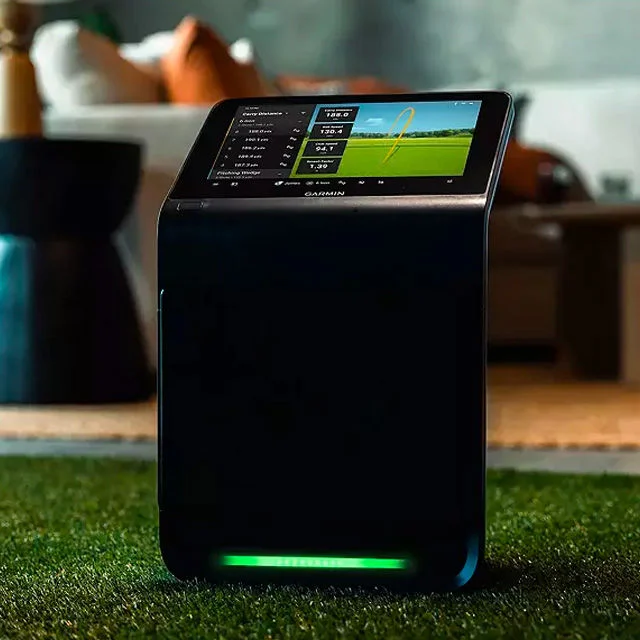
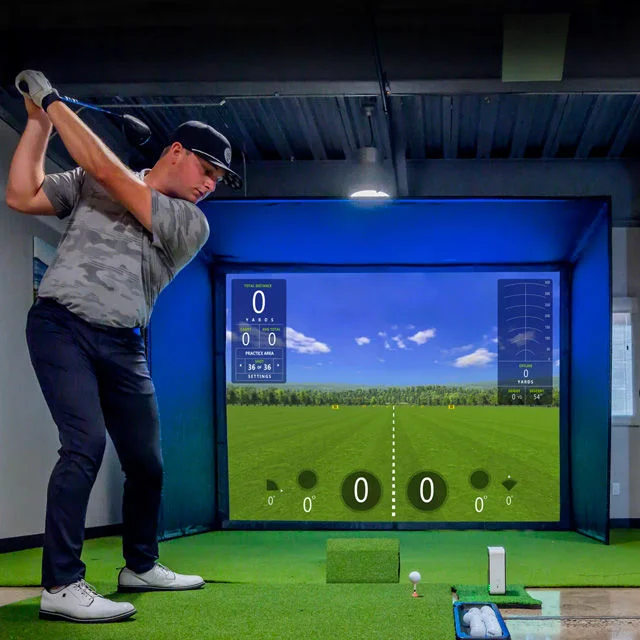
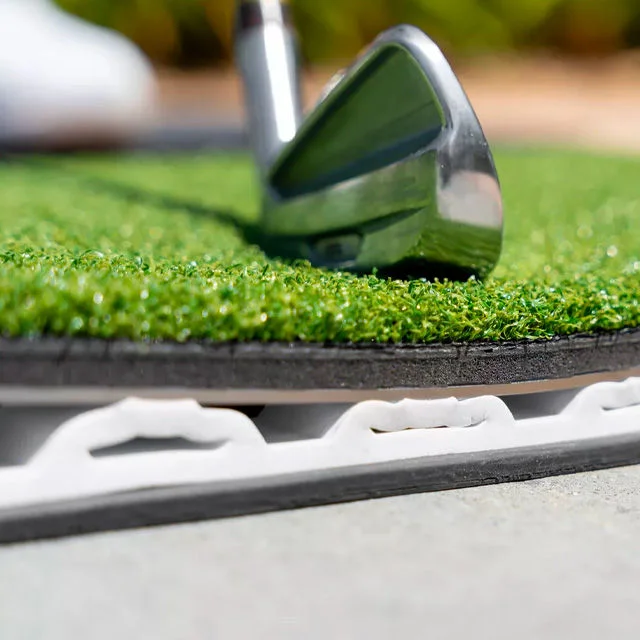

Options for Every Space & Budget
- Premium
- Enthusiast
- Practice
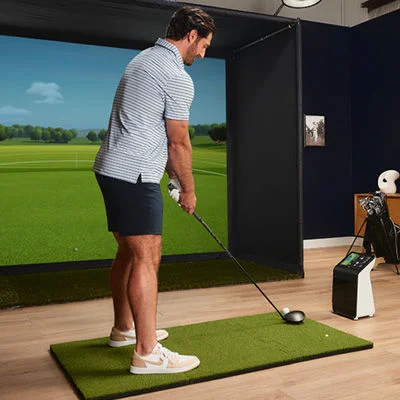
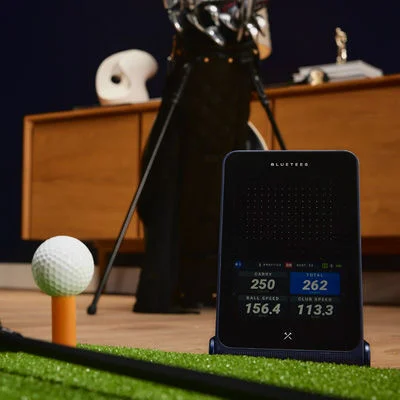
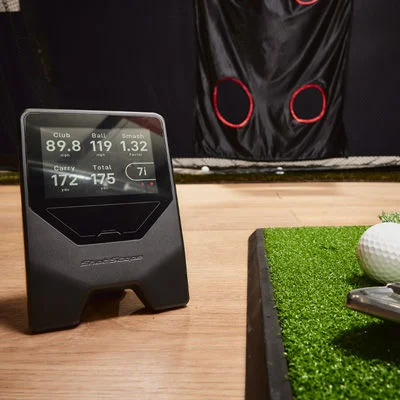
Key Considerations
1. Intended Use
Indoor vs. Outdoor
Portable vs. stationary
2. What’s Your Budget
Under $1,000 → Practice
$1,000-$3,000 → Enthusiast
$3,000-$8,000 → Premium
3. What’s Your Space
Width: You typically need at least 9 feet for swing clearance
Height: A general rule of thumb is at least 9 feet of clearance, but ultimately this depends on factors like your individual swing and your height.
Depth: You generally need about 14 feet of length if you’re hitting into a screen, to allow for proper sensor tracking and safety.
4. Types of Technology
- Photometric or Camera-Based
Doppler or radar-based
Hybrid option

Trending in Launch Monitors

Trending in Training
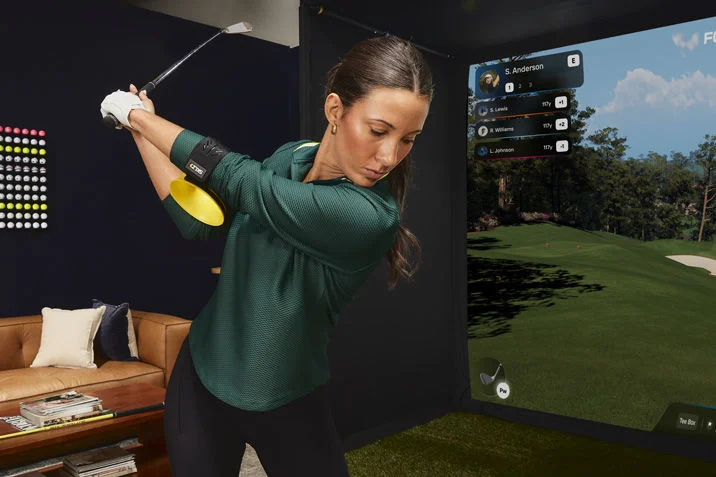
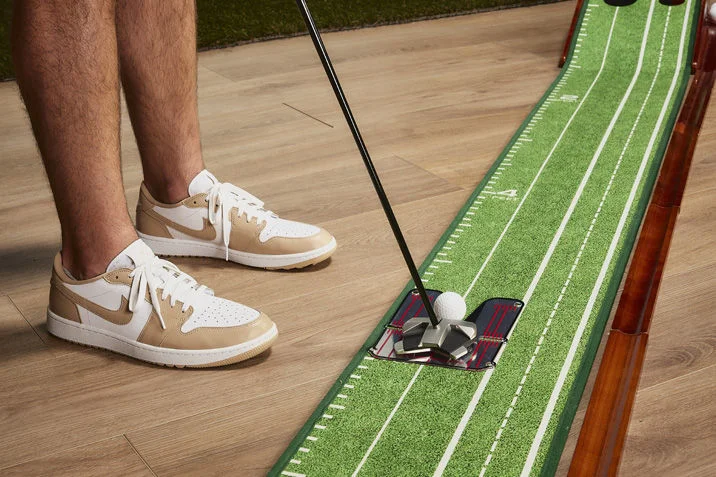
Store Training Services

Frequently Asked Questions
A: Most simulator setups include:
Launch monitor
Hitting mat
Hitting net or simulator enclosure
Projector and impact screen (for immersive setups)
Computer or compatible device
Golf simulation software
The exact components will vary based on your budget and goals.
A: As a general guideline, you'll need:
Width: Approximately 9 feet or more for comfortable swing clearance
Height: At least 9 feet, though taller golfers may require additional clearance
Depth: About 14 feet for most simulator setups with a screen and launch monitor
A: Camera-Based (Photometric)
Uses high-speed cameras to capture impact data
Excels in indoor environments
Typically provides detailed spin and club data
Requires less ball-flight space
Radar-Based
Tracks the golf ball throughout flight
Often performs best outdoors or in larger spaces
Frequently preferred for range sessions and outdoor practice
Some modern systems use a combination of both technologies.
A: No. Many launch monitors can display shot data and virtual ball flight on a smartphone, tablet, or computer. However, adding a projector and impact screen creates a more immersive, course-like experience.
A: It depends on your software and setup. Basic launch monitor functionality may work with mobile devices or tablets, but high-end simulation software, multiple displays, and advanced graphics often require a dedicated gaming PC with a capable graphics card.
A: Many simulator platforms offer access to thousands of virtual golf courses, including well-known championship layouts. Available course libraries and subscription requirements vary by software provider.
A: Possibly. While some launch monitors include software, many simulator platforms offer premium features, expanded course libraries, advanced analytics, or online play through annual subscription plans. Always review software costs before purchasing.